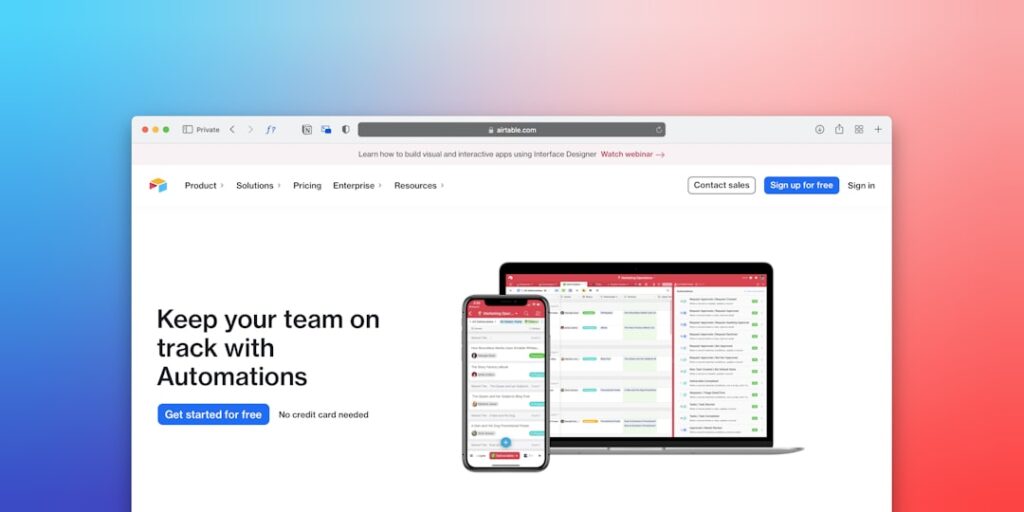
Harnessing No-Code Automation Software: A Comprehensive Guide to AI Tools
No-Code Automation Software is transforming the way businesses operate by enabling automation without the need for programming skills. In today’s rapidly evolving digital landscape, organizations are turning to AI tools that simplify processes and enhance efficiency. This article explores the significance of no-code automation, core concepts, practical implementation steps, common mistakes to avoid, real-world case studies, comparisons of popular tools, and answers to frequently asked questions.
Why it matters
No-Code Automation Software is crucial in empowering non-technical users to create solutions that streamline operations. This eliminates dependency on IT resources, accelerates project delivery, and ultimately reduces costs. With AI tools being more accessible, businesses can innovate more efficiently, adapt to market changes swiftly, and improve their overall productivity.
Core Concepts
Understanding No-Code Automation
- No-Code Platforms: Tools that allow users to build applications and automate workflows without writing code.
- Automation Workflows: Defined steps that automate repetitive tasks.
- Integration Capabilities: The ability to connect various apps and services for data synchronization.
- User-Friendly Interfaces: Intuitive design elements that facilitate ease of use for non-technical users.
Detailed Step-by-Step Guide
- Identify Key Processes: Pinpoint repetitive tasks that consume significant time.
- Choose the Right No-Code Tool: Research and select appropriate no-code automation software that fits your needs.
- Map Out Automation Workflow: Create a visual representation of the steps needed in the workflow.
- Set Up Automations: Use the no-code platform to create workflows based on your mapped-out automation.
- Test Your Automated Workflows: Run simulations to ensure the automation performs as expected.
- Monitor Performance: Track the outcomes and adjust workflows based on performance metrics.
Common Mistakes
Even with the user-friendly nature of no-code tools, many users still encounter pitfalls:
- Neglecting Documentation: Failing to document workflows can cause confusion during troubleshooting.
- Overcomplicating Workflows: Attempting to automate too many variables can lead to errors.
- Ignoring Security Protocols: Automated workflows that handle sensitive data must uphold strict security standards.
- Not Training Team Members: Lack of training can lead to misuse or underutilization of the tools.
Real-World Case Study
Consider a mid-sized e-commerce company that struggled with customer support due to high ticket volumes. By implementing a no-code automation software, they developed a workflow that integrated their CRM with automated responses for FAQs. Not only did customer satisfaction improve due to quicker response times, but the support team also saved an average of 20 hours per week that could be redirected to more complex customer queries.
Comparison Table
| Tool | Key Features | Pricing | User Rating |
|---|---|---|---|
| Zapier | Multi-app integration, thousands of integrations, user-friendly UI | Starts at $19.99/month | 4.7/5 |
| Integromat | Visual automation builder, advanced error handling, complex workflows | Starts at $9/month | 4.5/5 |
| Automate.io | Multi-step flows, data sync, integrations with major apps | Free tier available, premium starts at $9.99/month | 4.4/5 |
FAQ
What is No-Code Automation Software?
No-Code Automation Software allows users to build software applications and automate workflows without needing to write code.
Who can use No-Code Automation Software?
Anyone, including business professionals, entrepreneurs, and marketers can use it, especially those without a technical background.
What are the benefits of using No-Code Automation Tools?
Benefits include increased efficiency, reduced operational costs, faster project delivery, and the ability to pivot quickly in response to changes.
Is No-Code Automation Software secure?
Most reputable no-code tools have built-in security protocols, but users should ensure compliance with data handling regulations and best practices.
Can No-Code Automation Software replace developers?
No, while it enhances productivity for non-technical users, developers are still necessary for complex integrated systems and custom software development.
Conclusion
Embracing No-Code Automation Software can significantly impact organizational efficiency and innovation. By understanding its core concepts, designing effective workflows, and avoiding common mistakes, businesses can harness the full potential of AI tools to streamline operations. With a variety of tools available, any organization can begin their automation journey to achieve higher productivity and adaptability in today’s competitive market.
Advanced Tips for Utilizing AI Tools
Integrating AI Tools with Existing Systems
To maximize the efficiency of No-Code Automation Software, it’s essential to ensure seamless integration with your current systems. This can often involve using APIs or built-in integrations that allow for data exchange between platforms. Be sure to assess the compatibility of your operational tools with the AI software you choose.
Customizing Workflows for Maximum Impact
Many No-Code Automation Software options allow users to customize workflows to fit their specific needs. Spend time mapping out your current processes and identify areas of bottleneck or inefficiency. Then, leverage the software’s capabilities to streamline these processes while enhancing user experience.
Expert Opinions on the Future of AI Tools
Thought Leaders Weigh In
Industry experts are increasingly turning their attention to AI and automation. According to a recent roundtable with leaders from the tech sector, they believe that No-Code Automation Software will drastically transform how businesses operate, reducing the need for technical expertise and allowing non-technical staff to contribute significantly to innovation.
Best Practices from Successful Implementations
Studies show that organizations that adopt and effectively implement No-Code Automation Software can see significant productivity enhancements. Successful case studies highlight the importance of ongoing training and support to ensure that staff can fully utilize these tools.
Future Trends in AI Tools
Emerging Technologies and Innovations
The landscape of No-Code Automation Software is constantly evolving, with new technologies on the horizon. Machine learning and natural language processing are at the forefront of these innovations, enabling even more sophisticated automation capabilities that cater to complex business needs.
Predictions for Market Growth
Market analysts predict that the No-Code Automation Software industry will continue to expand exponentially. As businesses seek to streamline operations and enhance productivity, the demand for easy-to-use tools will grow, leading to a surge in new applications and platforms designed to make automation accessible for everyone.