
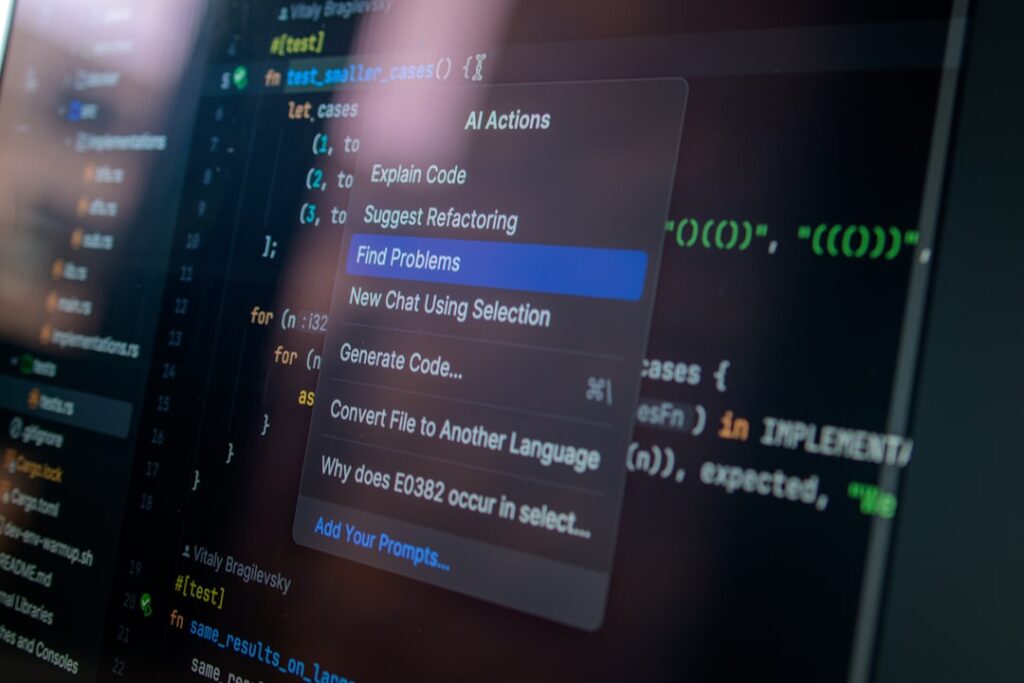
AI Productivity Automation Tools for Remote Work: Revolutionizing Your Workflow
In today’s fast-paced digital landscape, AI productivity automation tools have become essential for enhancing remote work efficiency. These tools leverage artificial intelligence to streamline tasks, reduce manual workload, and increase productivity, enabling remote teams to achieve more with less effort. As companies adapt to flexible work environments, understanding and implementing these tools can significantly impact overall performance.
Why it matters
Understanding the importance of AI productivity automation tools is crucial for any organization looking to excel in remote work. These tools reduce redundancy, enhance communication, and foster collaboration among team members. Additionally, they help businesses manage their resources better by freeing employees from repetitive tasks, allowing them to focus on higher-level strategic planning and decision-making. As organizations increasingly rely on remote teams, incorporating AI tools can drive innovation and competitiveness.
Core Concepts
1. Automation of Tasks
- Repetitive Task Automation: Streamline monotonous tasks like data entry, email sorting, and scheduling.
- Workflow Automation: Connect multiple applications and create triggers for certain actions.
2. Enhanced Communication
- Chatbots: Provide instant responses and support for common queries.
- Virtual Assistants: Schedule meetings and manage calendars effectively.
3. Data-Driven Insights
- Analytics Tools: Monitor productivity metrics and provide reports to inform decision-making.
- Predictive Analytics: Anticipate future trends based on historical data.
Detailed Step-by-Step Guide
- Identify Key Areas for Automation: Assess which repetitive tasks consume the most time.
- Research AI Tools: Look for tools that specialize in automating those identified tasks.
- Test Tools: Implement trial versions to evaluate usability and effectiveness.
- Integrate into Workflow: Gradually incorporate selected tools into daily operations.
- Train Your Team: Provide necessary training to ensure everyone is comfortable with the new tools.
- Monitor Performance: Use analytics to gauge improvements in productivity and adjust as needed.
Common Mistakes
Many organizations make specific errors when adopting AI productivity automation tools. The most common mistakes include:
- Neglecting to involve employees: Failing to get team input can lead to resistance and ineffective use.
- Choosing the wrong tool: Selecting software that doesn’t align with specific business needs can waste time and resources.
- Insufficient training: Not offering proper training can render the tools ineffective and lead to frustration.
- Ignoring data privacy: Failing to consider data protection regulations when implementing AI tools can lead to compliance issues.
Real-World Case Study
Consider the scenario of a marketing agency that struggled with managing client communications and onboarding processes. By implementing an AI productivity automation tool such as HubSpot, they managed to automate their email marketing campaigns and use chatbots for customer inquiries. As a result, they reduced response times by 50% and increased their client retention rate by 30%. This case underscores how effectively utilizing AI tools can directly enhance customer satisfaction and overall business performance.
Comparison Table
| Tool Name | Key Features | Best For | Price |
|---|---|---|---|
| Trello | Task management, Collaboration | Project management | Free/Premium |
| Zapier | Workflow automation, App integration | Integrating multiple apps | Free/Premium |
| Slack | Real-time messaging, File sharing | Team communication | Free/Premium |
| Monday.com | Project tracking, Workflows | Task management | Starting at $39/month |
FAQ
What are AI productivity automation tools?
These are software programs that use artificial intelligence to automate various tasks and processes, enhancing efficiency and productivity in remote work setups.
How do I choose the right tools for my team?
Evaluate your team’s specific needs, consider integrating tools that work well together, and prioritize user-friendly platforms to simplify adoption.
Are AI tools expensive?
Pricing varies widely; many powerful tools offer free versions, while premium plans can range significantly based on features and user limits.
Can these tools improve team collaboration?
Yes, by automating routine tasks and facilitating better communication, these tools enhance collaboration and keep team members aligned on projects.
Is AI technology secure for remote work?
While many AI tools adhere to strict data protection standards, it’s crucial to review a tool’s security framework and compliance with regulations before adoption.
Conclusion
AI productivity automation tools are transforming the landscape of remote work by enhancing efficiency, collaboration, and strategic focus. By understanding their core concepts and implementing them effectively, organizations can achieve significant improvements in productivity. As remote work continues to evolve, leveraging these tools will be key to staying competitive and achieving long-term success.
Advanced Tips for Implementing AI Productivity Automation Tools
Integrating AI Tools with Existing Workflows
To maximize the effectiveness of AI productivity automation tools, it’s essential to integrate them seamlessly into your existing workflows. Start by assessing your current processes and identifying the areas where these tools can provide the most value. For instance, if your team relies heavily on email communication, consider employing AI tools that automate responses or assist in scheduling. This targeted integration helps to minimize disruption and foster a more efficient transition.
Training Your Team on AI Tools
Even the most sophisticated AI productivity automation tools are only as effective as the users operating them. Providing comprehensive training for your team is crucial. Organize workshops or training sessions to familiarize employees with the functionalities of these tools. Emphasize how they can enhance daily tasks and reduce repetitive work. Incorporating hands-on practice can significantly boost user confidence and product adoption rates.
Expert Opinions on AI Productivity Automation Tools
Insights from Industry Leaders
Industry leaders concur that the adoption of AI productivity automation tools can revolutionize remote work. According to experts, these tools not only enhance efficiency but also free up valuable time for strategic thinking and creativity. They emphasize the importance of selecting the right tools that align with your team’s needs and objectives, as this can significantly influence overall workplace morale and productivity.
Case Studies from Successful Implementations
Several companies have successfully implemented AI productivity automation tools to streamline their operations. For example, a remote marketing team utilized AI-driven analytics tools to automate their reporting processes, reducing the time spent on data entry by 75%. This allows team members to focus on creative strategies rather than mundane tasks, demonstrating the transformative potential of these technologies.
The Future Trends in AI Productivity Automation Tools
Evolving Capabilities of AI Tools
The future of AI productivity automation tools is promising, with advancements in machine learning and natural language processing leading the charge. These improvements will enable tools to understand context better and automate increasingly complex tasks. Staying ahead of these trends can position your organization as a leader in remote work efficiency.
Potential Challenges Ahead
Despite the advantages, the rise of AI productivity automation tools comes with challenges. Concerns regarding data privacy and ethical use are paramount. Organizations will need to navigate these complexities carefully, ensuring that their implementation of AI tools not only enhances productivity but also respects user rights and data integrity.

