
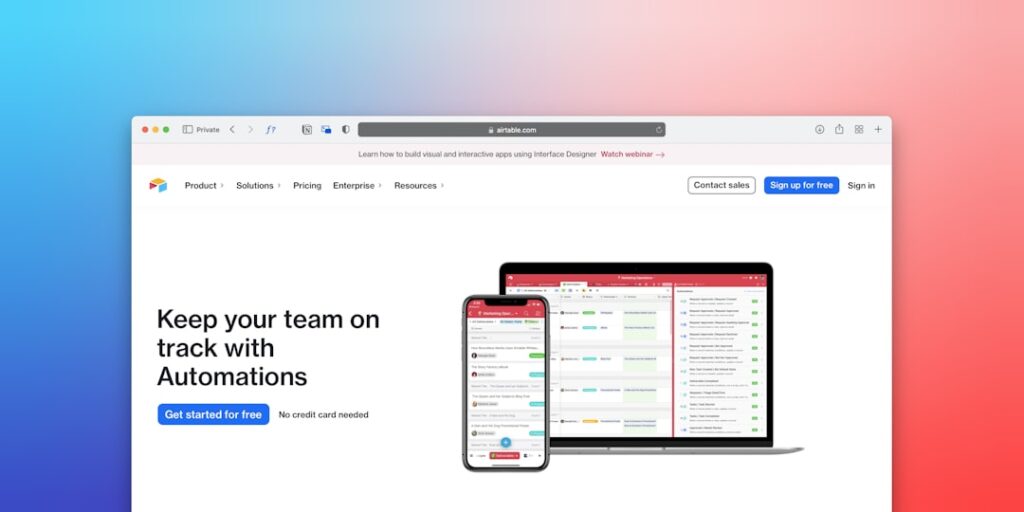
Maximizing AI Productivity with No-Code Automation Tools
In the ever-evolving landscape of technology, No-Code Automation Tools have emerged as vital instruments that enhance productivity significantly, especially in AI applications. By eliminating the need for extensive coding knowledge, these tools empower individuals and organizations to automate processes, streamline workflows, and enhance overall efficiency without technical barriers.
Why it matters
Understanding the significance of No-Code Automation Tools is crucial in today’s digital ecosystem. These tools not only enable users to create automated solutions quickly but also foster innovation and agility. By leveraging no-code platforms, businesses can:
- Reduce development time and costs
- Empower non-technical staff to take initiative
- Enhance collaboration among teams
- Improve adaptability to changing business needs
- Focus on strategic objectives rather than technical challenges
Core Concepts
Key Elements of No-Code Automation Tools
- User-Friendly Interfaces: Designed for ease of use, often incorporating drag-and-drop functionalities.
- Integration Capabilities: Ability to connect with various applications and services seamlessly.
- Customizable Templates: Pre-built templates that can be easily tailored to meet specific needs.
- Workflow Automation: Tools designed to carry out repetitive tasks automatically.
- Real-Time Data Handling: Ability to process and respond to data instantaneously.
Detailed Step-by-Step Guide
- Identify Your Needs: Evaluate the processes that are currently manual and time-consuming.
- Select a No-Code Tool: Research and choose a no-code automation tool that fits your requirements.
- Define Your Workflow: Map out the specific tasks you wish to automate.
- Build Automation: Utilize the tool’s interface to create workflows, incorporating triggers and actions.
- Test and Iterate: Run tests to ensure the automation works as intended and refine where necessary.
- Monitor Performance: Use analytics provided by the no-code tool to track the effectiveness of your automation.
- Optimize Continuously: Regularly revisit your automation processes to tweak and improve over time.
Common Mistakes
While utilizing No-Code Automation Tools can vastly improve productivity, there are some common pitfalls that users should avoid:
- Overcomplicating Workflows: Trying to automate too many tasks at once can lead to confusion.
- Neglecting Documentation: Failing to document processes can make future updates challenging.
- Ignoring User Training: Not training team members on how to use automation tools effectively can limit their benefits.
- Underestimating Maintenance: Automation is not a set-it-and-forget-it solution; it requires ongoing management.
Real-World Case Study
Consider a marketing agency that had utilized traditional methods for client management and project tracking. With an increasing client base, they struggled to keep up with workflow, leading to missed deadlines. By implementing a No-Code Automation Tool, they automated client onboarding, lead tracking, and report generation. The tool allowed them to streamline tasks that took hours into mere minutes, allowing team members to focus on creative strategy rather than administrative tasks. As a result, the agency experienced a 30% increase in client satisfaction scores and a noticeable improvement in overall productivity.
Comparison Table
| Tool | Cost | Key Features | User Rating |
|---|---|---|---|
| Zapier | Starts at $19/month | Wide integration, easy-to-use | 4.7/5 |
| Integromat | Free tier available | Complex workflows, visual interface | 4.5/5 |
| Airtable | Free tier available | Database capabilities, template library | 4.8/5 |
| Bubble | Starts at $29/month | Visual application builder, extensive customization | 4.6/5 |
FAQ
What are No-Code Automation Tools?
No-Code Automation Tools are platforms that allow users to automate tasks without writing code, utilizing visual interfaces and pre-built functionalities.
Who can benefit from No-Code Automation?
Any business or individual looking to streamline workflows, reduce manual tasks, or enhance productivity can benefit from these tools, regardless of technical expertise.
Are No-Code Tools secure?
While many no-code tools prioritize security, users should always review compliance and data protection features before implementation.
What types of tasks can be automated?
A variety of tasks can be automated, including data entry, email marketing, customer relationship management, and reporting.
Can No-Code Tools integrate with existing systems?
Yes, most no-code tools are designed to integrate smoothly with various platforms and software solutions.
Conclusion
Embracing No-Code Automation Tools can dramatically enhance productivity by enabling rapid automation without the need for programming skills. By understanding their importance, learning from real-world applications, and avoiding common mistakes, organizations can fully leverage these innovative tools to achieve operational excellence and foster a culture of efficiency.
Advanced Tips for Maximizing AI Productivity
Integrating AI with Existing Workflows
To leverage AI productivity to its fullest, it’s essential to integrate these technologies smoothly into your existing workflows. Analyze your current processes to identify repetitive tasks that can be automated using no-code automation tools. This upfront assessment will ensure that the AI tools you select complement your team’s strengths and fill gaps in productivity.
Training and Development
Investing in training for your team can significantly boost the effectiveness of no-code automation tools. Providing workshops or courses on how to use these platforms empowers employees to maximize their potential through automation. As they become more familiar with the available features, they can explore creative ways to improve efficiency and drive productivity.
Future Trends in AI and No-Code Automation
Increased Customization and Personalization
The future of AI productivity will lean heavily on customization. No-code automation tools are expected to evolve with more personalized features that cater to the specific needs of various industries. This means users will soon enjoy tailored solutions that focus on their unique challenges, enabling more efficient workflows and maximizing output.
AI-Driven Insights
Another exciting trend is the integration of predictive analytics into no-code automation tools. This feature will allow users to harness data in new ways, providing insights that help make informed decisions. By leveraging AI-driven insights, teams can proactively address issues before they arise, further enhancing productivity and maintaining a competitive edge.

