
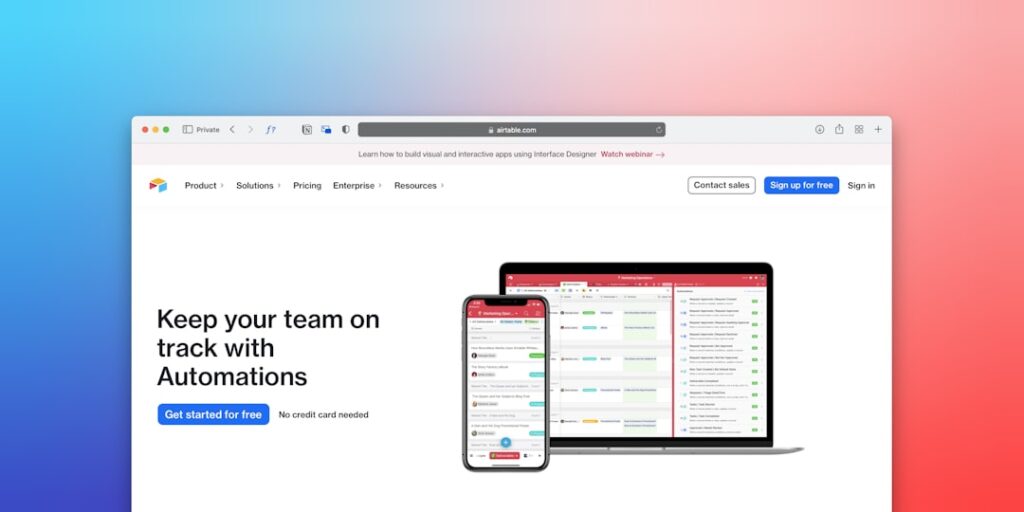
Maximizing Efficiency: Harnessing No-Code Automation Tools for AI Productivity
No-Code Automation Tools have emerged as a vital resource for enhancing AI productivity across various industries. In today’s fast-paced business environment, organizations are constantly seeking innovative solutions to streamline operations, reduce manual workloads, and improve overall efficiency. This article delves into the significance of No-Code Automation Tools, their core concepts, a step-by-step guide on implementation, and real-world applications.
Why it matters
The importance of No-Code Automation Tools cannot be overstated. They empower users without technical backgrounds to automate complex tasks without writing a single line of code. This democratization of technology allows businesses to:
- Enhance productivity by reducing time spent on repetitive tasks.
- Lower operational costs by minimizing the need for specialized IT resources.
- Facilitate faster project turnaround and innovation adoption.
Core Concepts
Understanding No-Code Automation Tools
No-Code Automation Tools are designed to simplify workflows through user-friendly interfaces. Below are some core concepts essential for understanding these tools:
- Visual Programming: Users create workflows through drag-and-drop interfaces.
- Integration Capabilities: Seamless integration with various applications and platforms.
- Smart Automation: Utilizing AI algorithms to enhance decision-making within workflows.
- Pre-built Templates: Ready-to-use templates to accelerate the automation process.
Detailed Step-by-Step Guide
Implementing No-Code Automation Tools involves a systematic approach. Follow these steps to start automation in your organization:
- Identify Repetitive Tasks: Evaluate current workflows to pinpoint tasks that are manual and repetitive.
- Choose the Right Tool: Research and select a No-Code Automation Tool that meets the specific needs of your business.
- Create an Account: Sign up for the tool and familiarize yourself with its interface and features.
- Design Your Workflow: Use the drag-and-drop feature to create your first automation workflow, leveraging visual programming.
- Integrate Apps: Connect the tool to your existing applications for seamless data flow and automation.
- Test the Workflow: Run tests to ensure the workflow functions as intended, making adjustments as necessary.
- Deploy Automation: Implement the workflow across relevant departments or sectors of your business.
- Monitor Performance: Review analytics and performance metrics regularly to assess the impact of the automation.
Common Mistakes
When using No-Code Automation Tools, businesses may fall into several common pitfalls:
- Underestimating Complexity: Assuming all tasks are suitable for automation can lead to poor outcomes.
- Ineffective Training: Lack of proper user training can hinder adoption and efficiency.
- Neglecting Security: Automation is prone to security issues if proper protocols are not established.
- Ignoring Feedback: Failing to gather user feedback can lead to missed opportunities for improvement.
Real-World Case Study
A notable example of No-Code Automation Tools in action can be found in an e-commerce platform that struggled with processing orders. By utilizing a No-Code Automation Tool, the company integrated their inventory management system, payment processor, and customer notifications into a single automated workflow. As a result, they achieved:
- 50% reduction in manual order processing time.
- Improved customer satisfaction due to timely updates.
- A 30% increase in operational efficiency, allowing for resource reallocating.
Comparison Table
| Tool Name | Key Feature | Strengths | Cost |
|---|---|---|---|
| Zapier | Integration with 3,000+ apps | User-friendly, extensive templates | $19.99/month |
| Integromat | Visual Scenario Builder | Powerful workflows, real-time data | $9/month |
| Microsoft Power Automate | Seamless Microsoft Apps Integration | Suitable for enterprise solutions | $15/user/month |
FAQ
What are No-Code Automation Tools?
No-Code Automation Tools are platforms that allow users to create automation workflows without any coding skills, using visual interfaces and pre-built templates.
Can No-Code Automation Tools really save time?
Yes, these tools significantly reduce the time spent on repetitive tasks, allowing teams to focus on higher-value work.
Are No-Code Automation Tools secure?
While many tools have robust security measures, it is crucial to choose ones with strong protocols and to implement best practices for data security.
Who can use No-Code Automation Tools?
Anyone, regardless of their technical background, can use No-Code Automation Tools, making them accessible to a wide range of users.
What industries benefit from No-Code Automation?
Virtually any industry can leverage No-Code Automation Tools, including e-commerce, marketing, healthcare, and finance.
Conclusion
No-Code Automation Tools have transformed the landscape of productivity enhancement by enabling users to automate processes efficiently without coding. By embracing these tools, organizations can drive innovation, reduce operational costs, and improve workflow efficiency. As we move toward a more automated future, the strategic implementation of No-Code Automation Tools will be key to maintaining a competitive edge.
Advanced Tips for Using No-Code Automation Tools
Choosing the Right Tool for Your Needs
When exploring No-Code Automation Tools, it’s essential to assess your specific requirements. Start by identifying the tasks you want to automate and the platforms you frequently use. Evaluate tools based on their integration capabilities, user interface, and scalability to ensure the best fit for your operations.
Maximizing Efficiency with Templates and Pre-built Flows
Many No-Code Automation Tools offer templates and pre-built workflows that can drastically reduce the setup time. Leverage these resources to kickstart your automation journey. By customizing existing templates, you can learn best practices while quickly implementing solutions tailored to your business.
Expert Opinions on No-Code Automation Tools
Insights from Industry Leaders
Experts in the field emphasize the significance of No-Code Automation Tools in promoting productivity. They note that these tools democratize automation, making it accessible even to those without extensive technical backgrounds. By focusing on user-friendliness and adaptability, these solutions are transforming workflows across industries.
Success Stories from Diverse Sectors
Various companies have successfully employed No-Code Automation Tools to enhance their productivity. For instance, a marketing agency streamlined its client onboarding process, reducing the time spent on administrative tasks significantly. Such case studies underline the potential of these tools in not just saving time but also improving service quality.
Future Trends in No-Code Automation Tools
Increased AI Integration
The future of No-Code Automation Tools appears to be closely tied with advancements in artificial intelligence. As these tools evolve, incorporating AI can lead to smarter automation—allowing systems to learn from user behavior and optimize processes automatically. This evolution will further enhance productivity, making complex tasks simpler and more efficient.
Expansion into New Industries
Currently, No-Code Automation Tools are primarily popular in marketing, project management, and customer service. However, there is a growing trend towards their adoption in other sectors like healthcare, finance, and education. This expansion showcases the versatility of no-code solutions and their ability to tailor functions to meet the unique needs of various industries.

