
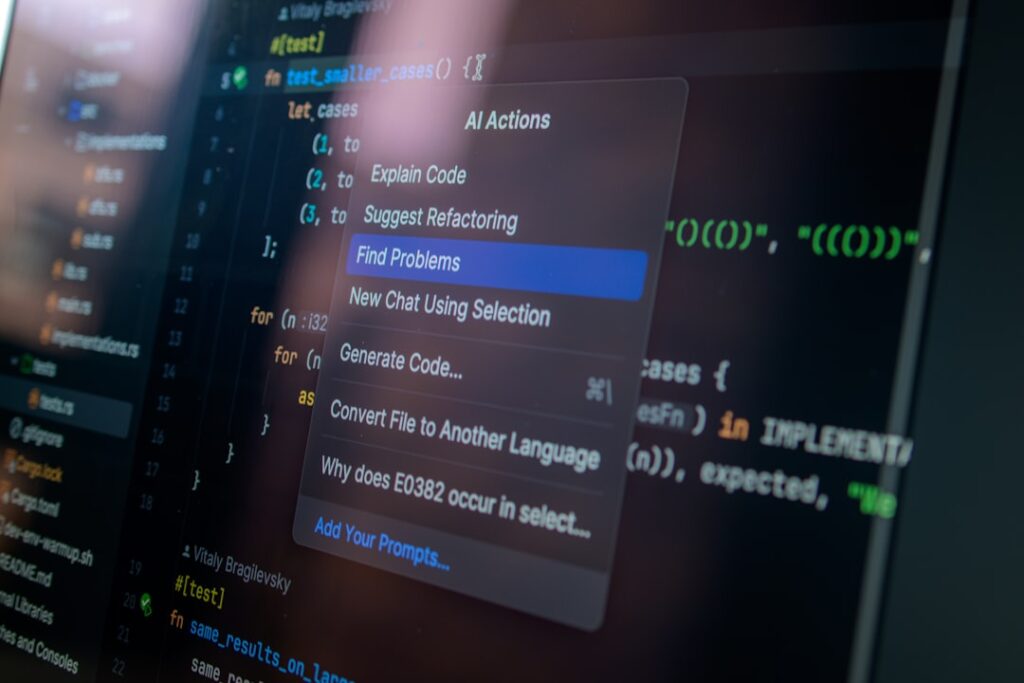
AI Tools for Remote Work: Boosting Productivity and Efficiency
In today’s fast-paced digital landscape, leveraging AI productivity tools has become essential for remote work success. These tools streamline workflow, enhance collaboration, and improve overall efficiency, making them invaluable assets for teams operating from various locations.
Why it matters
As remote work continues to gain traction, organizations must adapt to ensure their teams remain productive and engaged. AI productivity tools can facilitate communication, automate mundane tasks, and provide analytics for performance tracking, allowing teams to focus on higher-value activities. Embracing these technologies not only boosts output but also helps nurture a more collaborative work environment.
Core Concepts
Understanding AI Productivity Tools
- Automation: Streamlining repetitive tasks.
- Collaboration: Enhancing communication among remote teams.
- Analytics: Providing insights into productivity trends.
- Integration: Working seamlessly with existing software applications.
Detailed Step-by-Step Guide
- Identify Your Team’s Needs: Assess the specific challenges your remote team faces.
- Research Available Tools: Explore various AI productivity tools suited for remote work.
- Trial and Evaluation: Utilize free trials or demos to evaluate usability and effectiveness.
- Implement Gradually: Start small by introducing one or two tools to avoid overwhelming the team.
- Gather Feedback: Regularly collect input from team members on their experiences.
- Optimize and Expand: Based on feedback, refine your toolset and consider additional AI tools.
Common Mistakes
Understanding the pitfalls can help maximize the effectiveness of AI productivity tools:
- Neglecting team input during tool selection.
- Overloading teams with too many tools at once.
- Failing to provide training on new technologies.
- Ignoring the importance of integration with existing systems.
Real-World Case Study
Consider a marketing agency that transitioned to remote work during the pandemic. Initially struggling with communication, they implemented Slack, integrated with an AI productivity tool like Trello for project management. Within weeks, they reported a 40% increase in project turnaround time. By using AI analytics features, the agency could track performance and identify bottlenecks in workflow.
Comparison Table
| Tool | Key Features | Pricing | Best For |
|---|---|---|---|
| Trello | Task management, collaboration, automation | Free/Premium | Project tracking |
| Slack | Messaging, file sharing, integrations | Free/Premium | Team Communication |
| Asana | Project management, analytics, portfolio management | Free/Premium | Workflow optimization |
| Zapier | Automation, workflow integration | Free/Premium | Process automation |
FAQ
1. What are AI productivity tools?
AI productivity tools are software applications that leverage artificial intelligence to enhance work efficiency by automating tasks, streamlining communication, and providing analytical insights.
2. How can AI tools benefit remote teams?
They can improve collaboration, automate repetitive tasks, and help track productivity metrics, allowing teams to focus on core tasks.
3. Are there free AI productivity tools available?
Yes, many tools offer free versions with limited features, allowing teams to test functionality before committing to paid plans.
4. Can AI tools integrate with existing software?
Most AI productivity tools are designed to integrate with popular platforms, enhancing overall workflow without disrupting existing systems.
5. What are the common challenges with implementing AI tools?
Common challenges include resistance to change, the learning curve associated with new tools, and the potential for information overload if too many tools are used simultaneously.
Conclusion
AI productivity tools are vital for remote work, offering enhanced efficiency and collaboration. By choosing the right tools, avoiding common pitfalls, and continuously optimizing their use, teams can significantly improve their productivity and adaptability in a remote work environment.
Advanced Tips for Maximizing AI Productivity Tools
Integrating AI Tools into Daily Routines
To fully leverage AI productivity tools, it’s crucial to integrate them seamlessly into your daily routines. Start by evaluating which tasks consume the most time and look for AI solutions that can automate or simplify these processes. For example, using AI-based scheduling tools can significantly reduce the back-and-forth communication typically associated with meeting arrangements. By embedding these tools into your workflow, you will not only save time but also enhance collaboration among team members.
Continuous Learning and Adaptation
The world of AI is ever-evolving. To stay at the forefront of AI productivity tools, invest time in continuous learning. Regularly explore updates and new features offered by the tools you use. Many platforms provide webinars, tutorials, and user communities that can offer valuable insights. Additionally, engage with other professionals through forums and social media groups to exchange experiences and best practices regarding AI tools.
Expert Opinions on AI Tools for Remote Work
Insights from Industry Leaders
Industry leaders emphasize the transformative potential of AI productivity tools in remote work environments. Experts suggest that organizations adopting these technologies see not only an increase in efficiency but also a boost in employee satisfaction. According to a report from a leading tech consultancy firm, 8 out of 10 companies that integrated AI tools reported improved collaboration and communication among remote teams.
Case Studies and Success Stories
Numerous organizations have documented success stories where AI productivity tools played a pivotal role in overcoming remote work challenges. For instance, a multinational company utilized AI-driven project management software, resulting in a 25% increase in project completion rates within deadlines. Another tech startup implemented AI chatbots for customer service, which not only handled customer queries more efficiently but also allowed human agents to focus on complex issues, enhancing overall productivity.
Future Trends in AI Productivity Tools
Autonomous Task Management
One of the most exciting future trends is the emergence of autonomous task management systems. These advanced AI tools will not only assist in scheduling and reminders but will also be capable of prioritizing tasks based on deadlines, team workload, and project importance. Such developments promise to further streamline workflows, allowing remote workers to focus on high-impact tasks.
Enhanced Collaboration through AI
The future of remote work will likely see AI productivity tools offering even more robust collaboration features. Expect to see real-time language translation, smart content suggestions during document editing, and AI-driven brainstorming assistants integrated into collaboration platforms. These enhancements will facilitate seamless interaction in diverse teams and ensure that ideas and projects are communicated effectively across geographical boundaries.

