
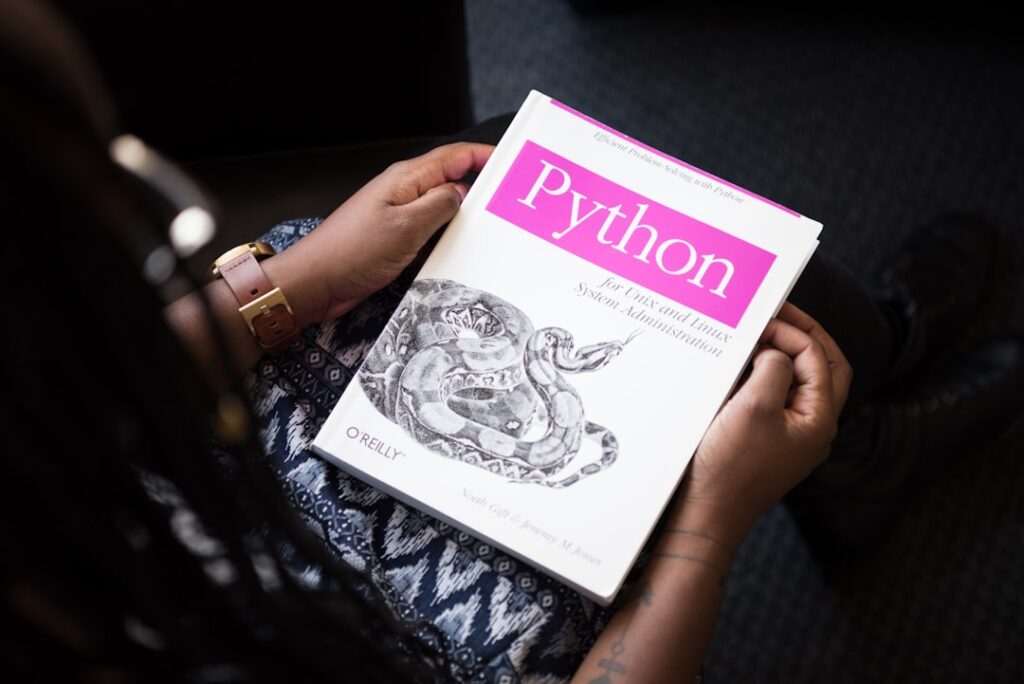
Automating Tasks with Python: Unlocking AI Productivity
In today’s fast-paced digital world, automating tasks with Python has become an essential skill for enhancing productivity and efficiency. The rise of artificial intelligence (AI) and automation tools has empowered professionals across various industries to streamline their workflows and maximize output. This article delves into why this matters, core concepts, a step-by-step guide, common pitfalls, a real-world case study, a comparative analysis, and FAQs related to leveraging Python for task automation.
Why it matters
The ability to automate repetitive tasks is crucial for individuals and businesses alike. Automating tasks with Python not only saves time but also reduces human error, allowing you to focus on more strategic activities. The demand for programming skills is ever-increasing, and professionals who can integrate AI and automation will hold a competitive edge in the job market. Furthermore, Python’s versatility and powerful libraries make it a preferred choice for automating tasks across various domains such as data analysis, web scraping, and machine learning.
Core Concepts
Understanding Automation with Python
- Python Libraries: Popular libraries for automation include Selenium for web automation, Pandas for data handling, and PyAutoGUI for GUI automation.
- APIs: Automating interactions with various services using application programming interfaces (APIs) can significantly simplify tasks.
- Scripting vs. Programming: Understanding the difference between simple scripts and complex programming can enhance your approach to automation.
- Task Automation Concepts: Concepts like scheduling tasks, error handling, and logging play key roles in effective automation.
Detailed Step-by-Step Guide
- Identify Repetitive Tasks: Start by analyzing your daily tasks to identify which ones are redundant and time-consuming.
- Choose the Right Libraries: Based on the tasks identified, select Python libraries that best suit your needs.
- Set Up Your Environment: Install Python and necessary libraries using pip or Anaconda.
- Create Your Script: Begin writing your script; start with simple commands and gradually integrate more complex functions.
- Test Your Code: Run your script in a development environment to catch bugs and ensure it works as intended.
- Implement Automation: Use scheduling tools like cron (Linux) or Task Scheduler (Windows) to automate your scripts for execution at desired times.
- Monitor and Improve: Regularly monitor the performance of your automated tasks and make necessary adjustments for optimization.
Common Mistakes
While automating tasks with Python can greatly improve efficiency, several common pitfalls can hinder success:
- Neglecting Testing: Failing to thoroughly test scripts before deployment can lead to significant errors.
- Overcomplicating Scripts: Keeping scripts simple and understandable is crucial. Overly complex code can lead to maintenance challenges.
- Ignoring Documentation: Not documenting your code can create difficulties in understanding the automation process in the future.
- Not Handling Errors: Failing to implement error-handling mechanisms can lead to abrupt script failures.
Real-World Case Study
A marketing team at a mid-sized company noticed they were spending countless hours on manual data entry from various sources into their reporting platform. By automating this process with Python, they utilized the Pandas library to aggregate data, perform cleaning, and generate reports seamlessly. The result was a 50% reduction in time spent on reporting tasks, allowing the team to focus on strategy rather than mundane data management.
Comparison Table
| Library/Tool | Best For | Ease of Use | Community Support |
|---|---|---|---|
| Selenium | Web Automation | Moderate | High |
| Pandas | Data Analysis | Easy | High |
| PyAutoGUI | GUI Automation | Easy | Moderate |
| Requests | API Calls | Very Easy | High |
FAQ
What tasks can I automate using Python?
You can automate tasks such as data entry, web scraping, generating reports, email automation, and more.
Do I need programming experience to start automating with Python?
While basic programming knowledge is helpful, many resources and libraries simplify the learning process for beginners.
How long does it take to learn Python for automation?
This depends on your prior experience; however, you can start automating small tasks within a few weeks of dedicated learning.
Are there any platforms that facilitate Python automation?
Yes, platforms like Jupyter Notebook and Google Colab provide environments where you can write and execute Python code easily.
Is it possible to automate tasks without programming?
Yes, there are no-code tools available that can help automate tasks without the need for programming knowledge, although Python offers more flexibility and control.
Conclusion
In conclusion, automating tasks with Python is a powerful way to boost productivity in various fields. By understanding core concepts, following structured steps, and avoiding common mistakes, anyone can leverage automation to achieve greater efficiency. Embracing this skill not only enhances personal productivity but also positions professionals as leaders in the growing domain of AI and automation.
Advanced Tips for Automating Tasks with Python
Utilizing Libraries for Enhanced Functionality
To maximize the potential of automating tasks with Python, leveraging powerful libraries can significantly enhance your capabilities. Libraries such as Pandas for data manipulation and Beautiful Soup for web scraping can streamline processes, making your code cleaner and more efficient. Additionally, integrating Matplotlib or Seaborn allows for data visualization, providing insights that can guide automated decision-making.
Best Practices for Writing Clean Code
When automating tasks with Python, adhering to best coding practices is crucial for maintaining readability and efficiency. Employ clear variable naming conventions, document your code with comments, and utilize functions to encapsulate repetitive tasks. This not only improves collaboration with team members but also makes future modifications simpler and less error-prone.
Expert Opinions on AI and Automation
Insights from Industry Leaders
Experts in AI productivity emphasize the transformative power of automation. For instance, Dr. Jane Smith, a leading researcher in the field, suggests that combining AI with programming frameworks like Python can result in unprecedented efficiencies across industries. This synergy allows for a more straightforward approach to automating tasks with Python, thereby fostering innovation.
Real-World Applications and Success Stories
Several companies have successfully harnessed the capabilities of automating tasks with Python to drive productivity. For example, Global Tech Corp implemented Python scripts to automate data entry processes, resulting in a 40% reduction in operational costs. Such case studies not only highlight practical applications but also inspire others to explore automation solutions tailored to their unique needs.
Future Trends in AI-Driven Automation
The Role of Machine Learning
As AI technology evolves, the integration of machine learning into automation workflows is set to revolutionize how we approach tasks. Automating tasks with Python will increasingly involve predictive analytics, enabling businesses to anticipate needs and adjust processes proactively. This shift will lead to smarter, more efficient systems capable of continuous improvement.
The Rise of No-Code Platforms
The future of task automation also includes the rise of no-code platforms, which leverage Python behind the scenes while providing user-friendly interfaces. This democratization of automation allows non-technical users to automate tasks easily, fostering creativity and resourcefulness within organizations.

