
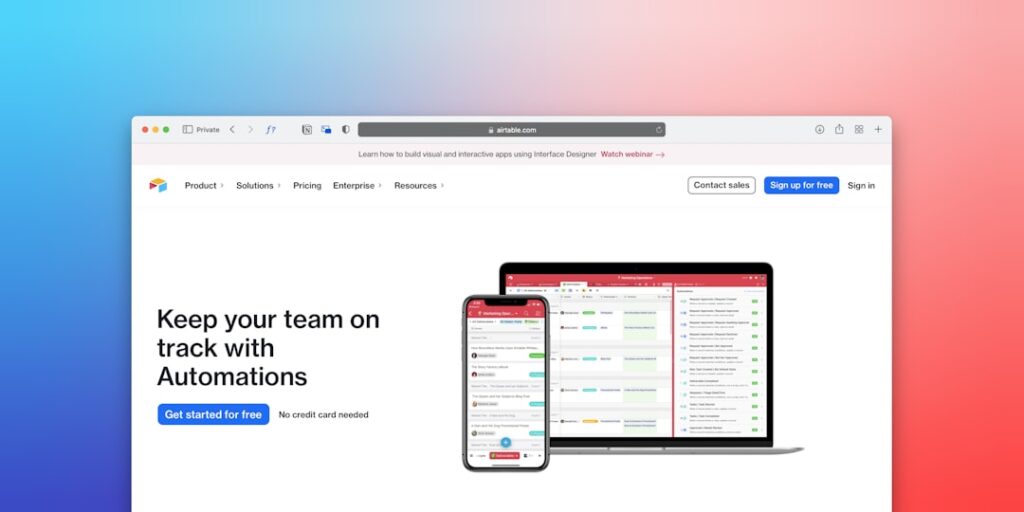
Best No-Code Automation Tools: Streamlining Your Workflow Effortlessly
In the rapidly evolving landscape of technology, AI tools have emerged as vital resources for businesses and individuals seeking efficiency. This article will explore the best no-code automation tools that can significantly enhance productivity without the need for extensive programming knowledge. Embracing these tools can help streamline workflows and optimize processes, making them essential in today’s fast-paced environment.
Why it matters
The importance of no-code automation tools cannot be overstated. As businesses strive for agility and responsiveness, the ability to automate processes without the need for coding expertise becomes critical. No-code automation tools reduce development time, democratize access to technology across teams, and empower users to innovate independently.
Core Concepts
Key Benefits:
- Saves time and resources.
- Enhances team collaboration.
- Reduces dependency on IT.
- Facilitates rapid testing of ideas.
Common Use Cases:
- Marketing automation.
- Data integration.
- Customer relationship management (CRM).
- Project management workflows.
Detailed Step-by-Step Guide
- Identify the processes within your business that require automation.
- Research the available no-code automation tools that align with your needs.
- Evaluate the tools based on user reviews, features, and integration capabilities.
- Set clear goals for what you want to achieve with automation.
- Utilize the selected tool to create automated workflows (most tools offer templates to get started).
- Test and refine your workflows by gathering feedback from users.
- Monitor the effectiveness of automation and make adjustments as necessary.
Common Mistakes
Even with the most intuitive no-code automation tools, users can still make mistakes. Here are some common pitfalls:
- Overcomplicating workflows instead of keeping them simple.
- Neglecting to train team members on using the tool effectively.
- Forgetting to test automated processes before full implementation.
- Failing to regularly review and update automation setup.
Real-World Case Study
Consider a small marketing agency that struggled with managing client onboarding. They turned to the no-code automation tool Zapier to automate their onboarding process. By integrating their existing project management system, email marketing platform, and CRM, they created a seamless workflow that cut onboarding time by 50%. This allowed their team to focus more on strategy and creativity rather than repetitive administrative tasks.
Comparison Table
| Tool Name | Key Features | Best For | Pricing |
|---|---|---|---|
| Zapier | Multi-app integration, Easy-to-use interface | General automation | Free plan available, $19.99/month for premium |
| Integromat | Advanced automation, Visual builder | Complex workflows | Free plan available, starting at $9/month |
| Automate.io | Multi-step workflows, Pre-built templates | Marketing and sales | Free plan available, $49/month for premium |
| Parabola | Data manipulation, Visual editor | Data-heavy tasks | $0 for small tasks, $80/month for larger operations |
FAQ
What are no-code automation tools?
No-code automation tools allow users to create automated workflows without needing to write any code, facilitating easier application development for non-technical users.
How do I choose the best no-code automation tool?
Evaluate your specific needs, the tools’ features, user reviews, and pricing structures to find the tool that best fits your requirements.
Can I integrate different applications using no-code tools?
Yes, most no-code automation tools allow you to integrate various applications to streamline your workflows and enhance productivity.
Are no-code automation tools suitable for large enterprises?
Absolutely; many no-code tools are scalable and can handle complex workflows typically needed by larger organizations.
Is there a learning curve for no-code automation tools?
While these tools are designed to be user-friendly, some familiarity with the specific tool’s functionalities may be needed to leverage their full capabilities.
Conclusion
Investing in the best no-code automation tools is no longer a luxury but a necessity for organizations aiming to enhance operational efficiency. By understanding core concepts, avoiding common mistakes, and learning from real-world applications, businesses can harness AI tools to automate processes effectively, leaving room for creativity and strategic growth.
Advanced Tips for Utilizing Best No-Code Automation Tools
Integrating AI Tools with Existing Software
To maximize the potential of the best no-code automation tools, it is crucial to consider how they can be integrated with your existing software ecosystem. Many of these tools offer robust APIs or built-in connectors that allow seamless integration with platforms such as CRM systems, email marketing tools, and project management software. By leveraging these integrations, businesses can ensure that workflows are streamlined and that data flows effortlessly across various applications.
Customizing Automation Flows
While no-code tools simplify automation, customization remains key to tailoring processes that suit specific business needs. Many best no-code automation tools provide visual workflow builders that empower users to create intricate automation flows without writing a single line of code. By taking the time to explore all customization options, including triggers, actions, and conditional logic, users can create powerful automations that significantly reduce manual tasks and increase productivity.
Expert Opinions on No-Code Automation
Insights from Industry Leaders
Industry experts emphasize the transformative impact of the best no-code automation tools on businesses of all sizes. Renowned automation specialists assert that these tools not only democratize technology access but also foster innovation. By enabling non-technical users to automate repetitive tasks, companies can allocate valuable developer resources toward more strategic projects, ultimately enhancing overall operational efficiency.
Real-World Challenges Faced
Despite the advantages, some skepticism exists regarding the scalability and long-term viability of no-code automation solutions. Experts caution that while no-code tools are highly effective for small to medium-scale operations, organizations should evaluate their specific needs and future growth plans to determine whether these solutions will remain suitable as demand increases.
Future Trends in No-Code Automation
Increased Adoption of AI
The future of the best no-code automation tools is closely intertwined with advancements in artificial intelligence. As AI algorithms continue to evolve, expect to see increasingly sophisticated features that allow automation tools to learn from user interactions, anticipate needs, and suggest optimizations. This will not only enhance the user experience but also facilitate smarter decision-making processes.
Greater Focus on Security and Compliance
As more businesses transition to no-code solutions, there will be a heightened focus on security and compliance. Leading no-code automation platforms are anticipated to incorporate advanced security measures, ensuring protection against data breaches and unauthorized access. Furthermore, compliance with regulations such as GDPR will become a pivotal feature in choosing the best no-code automation tools, as organizations strive to uphold ethical standards while enjoying the benefits of automation.

