
AI Tools for Productivity: Streamlining Your Tasks with No-Code Automation Workflows
In today’s fast-paced world, boosting productivity is essential for both individuals and businesses. One of the most effective strategies is utilizing AI tools for productivity, specifically through no-code automation workflows, which allow users to simplify and enhance their daily operations without the need for programming knowledge. This article will explore how no-code automation workflows can revolutionize your workflow, their importance, and provide a comprehensive guide on implementing them effectively.
Why it matters
The significance of no-code automation workflows in the realm of productivity cannot be overstated. They empower users of all skill levels to create automated processes, reduce manual tasks, and minimize errors. This advancement leads to increased efficiency, allowing teams to concentrate on high-value work rather than mundane duties.
Core Concepts
Understanding No-Code Automation Workflows
- No-Code Tools: Platforms that enable users to create applications and automate processes without coding experience.
- Automation Workflows: Series of automated actions triggered by specific events that streamline operations.
- Integration: Connecting various apps and systems to work seamlessly together.
Detailed Step-by-Step Guide
- Identifying Repeatable Tasks: Begin by analyzing your daily tasks to identify repeatable processes that can be automated.
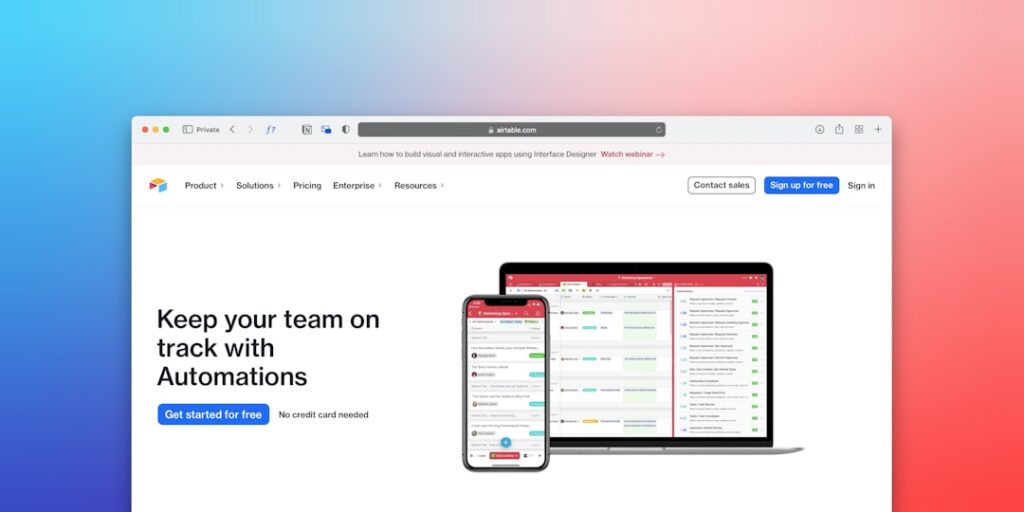
- Choosing the Right No-Code Tool: Select a no-code tool like Zapier, Integromat, or Airtable that fits your specific needs.
- Mapping Out Your Workflow: Create a visual representation of your desired automated workflow using flowchart tools.
- Setting Triggers: Define what will initiate your automation (e.g., form submission, email receipt).
- Defining Actions: Specify what actions will occur as a result of each trigger (e.g., send an email, update a spreadsheet).
- Testing the Workflow: Run tests to ensure the automation behaves as expected and troubleshoot any issues.
- Deploying the Workflow: Once satisfied, implement the workflow into your daily routine and monitor its performance.
Common Mistakes
- Overcomplicating Processes: Simplify workflows to avoid confusion and inefficiency.
- Neglecting Testing: Always test your automation to catch errors before deployment.
- Failing to Scale: Design workflows with scalability in mind to accommodate future growth.
- Ignoring User Feedback: Regularly gather input from users to refine and improve the workflows.
Real-World Case Study
Consider a marketing team at a mid-sized company that previously spent hours manually entering data from lead forms into their CRM. By implementing a no-code automation workflow using Zapier, they connected their form software to the CRM. The team identified the submission of a form as the trigger and automatically populated the CRM with the lead’s data as the action. This transition saved them approximately 10 hours a week, allowing them to focus on campaign strategies and creative initiatives instead of data entry.
Comparison Table
| Feature | Zapier | Integromat | Airtable |
|---|---|---|---|
| User-Friendliness | High | Moderate | High |
| Integrations Available | Over 2000 | Over 1000 | Over 100 |
| Pricing | Free tier available | Free tier available | Free tier available |
| Real-Time Automation | Yes | Yes | Limited |
| Advanced Features | No | Yes (Scenario Builder) | Yes (Blocks) |
FAQ
What are no-code automation workflows?
No-code automation workflows are automated processes created using no-code tools, allowing users to connect different applications and simplify their tasks without needing coding skills.
How can no-code tools benefit small businesses?
No-code tools can drastically enhance small businesses’ efficiency by streamlining processes, reducing costs associated with manual tasks, and freeing up valuable time to focus on growth strategies.
Are no-code tools secure?
Most reputable no-code tools adhere to strict security protocols, ensuring user data remains confidential and protected. Always review the security features of the tool you choose.
Can I create complex automation with no-code tools?
Yes, some no-code tools offer advanced features that allow for complex automations, enabling intricate workflows that can cater to specific business needs.
What industries benefit most from no-code automation workflows?
Industries including marketing, sales, finance, and human resources often find significant benefits through the implementation of no-code automation workflows.
Conclusion
In conclusion, no-code automation workflows represent a game-changing solution for individuals and organizations seeking to enhance productivity. By leveraging AI tools, stakeholders can minimize manual tasks, streamline operations, and improve efficiency significantly. The outlined steps, common pitfalls, and real-world examples demonstrate how no-code automation can transform workflows, making it an indispensable asset in today’s dynamic environment.
Advanced Tips for Maximizing No-Code Automation Workflows
Integrating AI Tools with Existing Platforms
To enhance productivity through no-code automation workflows, integrating AI tools with your existing platforms is crucial. By doing so, you can streamline processes and reduce manual interventions. For instance, connecting tools like Zapier or Integromat with powerful AI platforms allows for seamless data transfers and automatic task completion.
Continuous Learning and Adaptation
The landscape of AI tools is ever-evolving. To stay ahead, businesses must commit to continuous learning. Engage in webinars, follow industry leaders on social media, and be open to experimenting with new no-code automation workflows to ensure you are leveraging the latest features and improvements for your productivity needs.
Expert Opinions on AI-Driven Productivity
Insights from Industry Leaders
Experts in the field of productivity and AI highlight the advantage of employing no-code automation workflows. According to a recent study, over 70% of organizations that adopted AI tools reported significant improvements in project outcomes. Leaders emphasize the importance of aligning these technologies with business objectives to fully harness their potential.
Common Pitfalls to Avoid
While incorporating AI tools into no-code automation workflows can drastically enhance productivity, experts warn of common pitfalls. One such pitfall is overlooking data security and compliance measures during automation setups. Ensuring that your workflows comply with regulations is vital for building trust and maintaining operational integrity.
Future Trends in AI and Productivity
Emergence of AI-Augmented Workflows
The future of productivity will see a significant integration of AI tools into no-code automation workflows. These advancements will allow for smarter decision-making processes, as AI becomes capable of analyzing vast amounts of data to uncover actionable insights that were previously difficult to discern.
Increased Personalization and User Experience
As AI continues to evolve, expect a shift towards more personalized automation experiences. No-code automation workflows will incorporate user behavior data, enabling systems to adapt and respond to individual user needs, ultimately driving higher engagement and productivity levels.

