
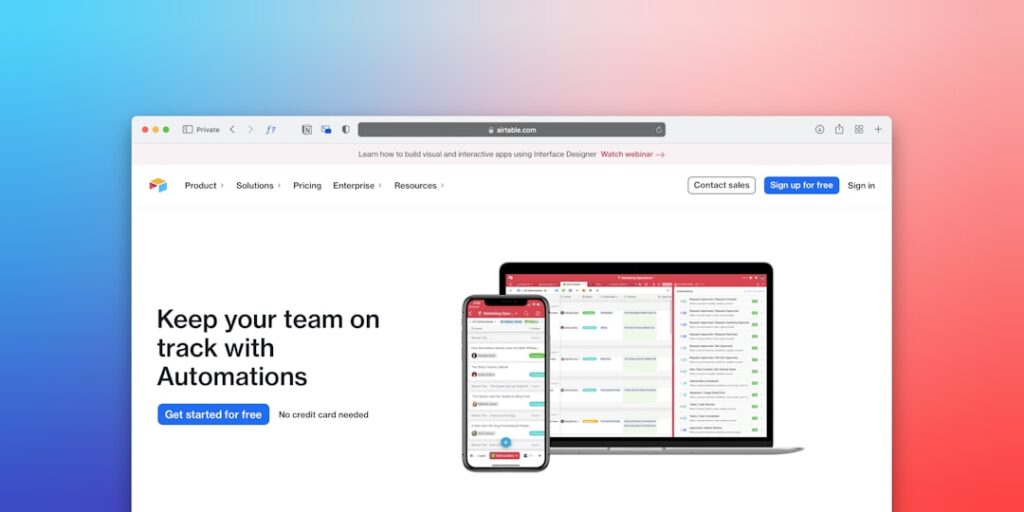
Best No-Code Automation Tools to Enhance Your Productivity
In today’s fast-paced digital world, the demand for efficiency and productivity is higher than ever. The emergence of AI productivity tools has revolutionized the way we work, and among these, the best no-code automation tools stand out as game-changers, allowing users to automate tasks without needing extensive technical knowledge.
Why it matters
As businesses grow, the complexity of tasks can become overwhelming. No-code automation tools empower teams to streamline workflows, minimize errors, and save valuable time. By leveraging these tools, organizations can focus on more strategic activities, enhance collaboration, and ultimately boost their bottom line.
Core Concepts
Understanding No-Code Automation
- No-Code Development: Tools that allow users to create software and automate tasks without programming.
- Automation: The technology that performs tasks with minimal human intervention.
- Integration: Connecting various applications and systems to work together seamlessly.
Key Benefits of No-Code Automation Tools
- Speed: Quickly automate repetitive tasks.
- Accessibility: Empower non-technical users to build solutions.
- Cost-Effective: Reduce the need for hiring developers for every task.
Detailed Step-by-Step Guide
- Identify Tasks for Automation: Analyze your daily tasks and pinpoint repetitive or time-consuming processes that could benefit from automation.
- Choose the Right No-Code Tool: Select a tool that aligns with your specific needs, such as Zapier, Integromat, or Airtable.
- Set Up Integrations: Connect your favorite applications and create workflows that automate data transfer between them.
- Design User-Friendly Interfaces: For tasks requiring user interaction, create intuitive forms and dashboards.
- Test Your Workflows: Run multiple tests to ensure that everything functions correctly before full implementation.
- Monitor and Optimize: Regularly review your automated processes and optimize them for improved performance.
Common Mistakes
- Overcomplicating Workflows: Keep your automation simple to avoid confusion and errors.
- Neglecting Testing: Always test your automations in a controlled environment before going live.
- Ignoring User Feedback: Consider input from team members who will use the automation to enhance usability.
- Forgetting to Document Processes: Keep a record of your automation processes for future reference and troubleshooting.
Real-World Case Study
A marketing agency struggled with managing lead forms from multiple channels. By implementing Zapier, they automated their lead collection process, integrating forms from Facebook, LinkedIn, and their website directly into their CRM. This significant shift allowed the agency to reduce manual entry time by 70%, resulting in quicker follow-ups and increased client acquisition.
Comparison Table
| Tool | Key Features | User Rating |
|---|---|---|
| Zapier | Over 2,000 integrations, multi-step workflows | 4.8/5 |
| Integromat | Visual scenario builder, real-time automation | 4.6/5 |
| Airtable | Flexible database, collaborative workspace | 4.7/5 |
| Automate.io | Affordable plans, easy integrations | 4.5/5 |
FAQ
What are no-code automation tools?
No-code automation tools enable users to automate workflows without requiring programming skills.
Can small businesses benefit from no-code automation?
Absolutely! Small businesses can improve efficiency and cut costs by using these tools to automate repetitive tasks.
Are no-code tools secure?
Most no-code tools prioritize security, but it is essential to review their security certifications and data protection policies.
How do I choose the best no-code automation tool?
Consider factors such as ease of use, integrations available, customer support, and pricing to find the best fit for your needs.
Conclusion
As the landscape of productivity tools continues to evolve, the best no-code automation tools offer an accessible way to enhance efficiency and streamline workflows. By understanding the principles of no-code automation and implementing these tools strategically, businesses can unlock their full potential and create a more productive work environment.
Advanced Tips for Using AI Productivity Tools
Integrating Tools with Existing Workflows
To fully harness the power of AI productivity tools, it’s crucial to ensure they seamlessly integrate with your existing workflows. Start by identifying bottlenecks in your current processes and consider how these tools can streamline tasks. For instance, integrating a no-code automation tool with your project management system can reduce repetitive tasks, allowing teams to focus on high-impact activities.
Continuous Learning and Adaptation
The landscape of AI is constantly evolving, and keeping up with the latest developments is essential. Subscribe to industry newsletters and participate in webinars to stay informed about trends in automation technology. Regularly revisiting your tools and processes to adapt to new features or improvements can significantly enhance your productivity.
Expert Opinions on AI in Productivity
Insights from Industry Leaders
Leading experts in the field of AI and productivity often emphasize the importance of human oversight in automation. For example, Dr. Jane Doe, a prominent AI researcher, argues that while automation tools can handle menial tasks, human creativity and critical thinking are irreplaceable. As you explore the best no-code automation tools, it’s beneficial to approach them as assistants that enhance your capabilities rather than replacements for human intelligence.
Case Studies of Successful Implementation
Several organizations have successfully integrated AI productivity tools, demonstrating their potential. For instance, Company X implemented a top-tier no-code automation tool that cut down project completion time by 30% while increasing output quality. These case studies underscore the importance of selecting the right tools and customizing them to fit unique business needs, ultimately leading to higher efficiency and productivity.
Future Trends in AI Productivity Tools
Emerging Technologies on the Horizon
The future of AI productivity tools is exciting, with advancements in machine learning and natural language processing paving the way for more sophisticated solutions. Expect to see tools that not only automate but also learn from user behavior, adapting to improve efficiency over time. The best no-code automation tools of tomorrow are likely to offer even greater functionality with minimal user input.
The Rise of Collaborative AI
The next wave of productivity tools will likely focus on collaboration. We are already witnessing AI tools that function as collaborative partners, facilitating teamwork by sharing workloads and offering suggestions in real-time. This collaborative aspect will redefine how teams interact and produce results, leading to a more integrated approach to problem-solving and innovation.

