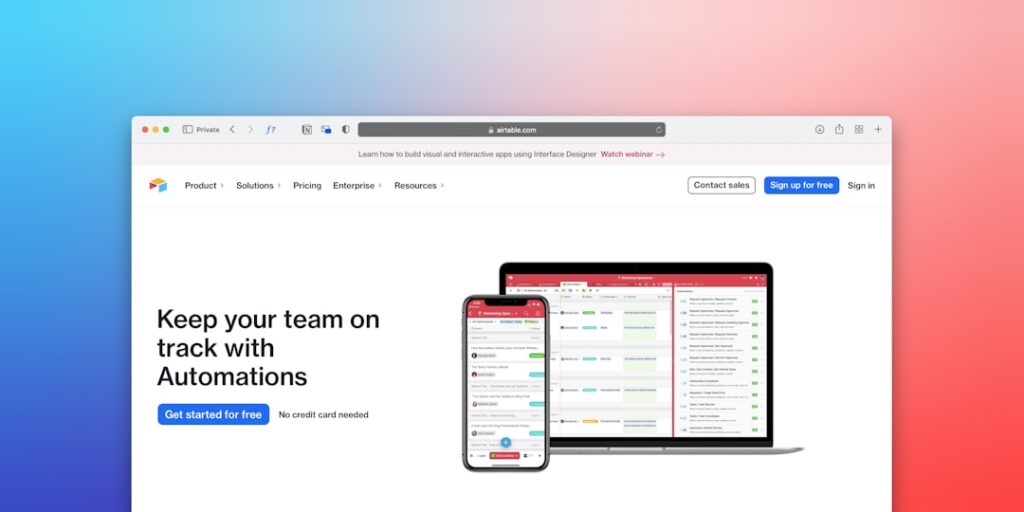
Unlocking Efficiency: The Power of No-Code Automation Tools
In today’s rapidly evolving digital landscape, No-Code Automation Tools have emerged as a game-changer for businesses and individuals alike. These tools allow users to create, customize, and implement automated workflows without the need for extensive programming skills. In this comprehensive guide, we will explore why these tools matter, core concepts associated with them, a step-by-step guide on implementation, common pitfalls to avoid, a real-world case study, a comparison table, and frequently asked questions.
Why it matters
No-Code Automation Tools empower users by democratizing technology. They reduce reliance on IT specialists and allow a diverse range of users to automate processes, saving time and resources. With the rise of remote work and digital transformation, these tools enable businesses to enhance productivity, streamline operations, and ultimately, boost their bottom line.
Core Concepts
1. Definition of No-Code Automation Tools
No-Code Automation Tools are software platforms that allow users to build applications and automate processes through graphical user interfaces (GUIs) instead of traditional hand-coding. This empowers non-technical users to participate actively in the development process.
2. Key Features
- Drag-and-drop interfaces for ease of use
- Pre-built templates for common tasks
- Integrations with other software and platforms
- Customizable workflows
- Collaboration features for teams
3. Advantages
- Cost-effective solution for automation
- Increased efficiency and productivity
- Fast deployment of solutions
- Scalability to adapt to business needs
Detailed Step-by-Step Guide
- Identify a task or process that requires automation.
- Research and select a No-Code Automation Tool that fits your needs.
- Sign up for the selected tool and familiarize yourself with its interface.
- Use the drag-and-drop feature to lay out your workflow.
- Integrate other systems and applications that are part of the process.
- Test the automated process to ensure it runs smoothly.
- Deploy the automation in your workflow.
- Regularly review and optimize the automation as needed.
Common Mistakes
When using No-Code Automation Tools, users often fall into several common traps:
- Over-automation: Automating every process can lead to complications and frustrations.
- Neglecting user training: Failing to train staff on using the new tools can hinder effectiveness.
- Ignoring scalability: Not considering future growth may complicate adaptations later.
- Forgetting feedback loops: Automation should be regularly reviewed and updated based on user feedback.
Real-World Case Study
Consider a marketing agency that struggled with managing client onboarding. By implementing a No-Code Automation Tool, they were able to automate their onboarding process involving data collection and communication. They created a series of automated emails and forms that new clients filled out. This saved the team significant hours each week, reducing onboarding time by 50% and improving client satisfaction. The agency now has more time to focus on creative work and strategy.
Comparison Table
| Tool Name | Key Features | Pricing | Best For |
|---|---|---|---|
| Zapier | Wide integrations, easy workflows, multi-step automation | $19.99/month | Small to medium businesses |
| Integromat (Make) | Visual flow design, advanced scheduling, conditional operations | $9/month | Complex automation needs |
| Automate.io | User-friendly interface, affordable pricing, powerful integrations | $9/month | Startups and small businesses |
| Bubble | Full web app development, DB integration, responsive design | $29/month | Full applications without coding |
FAQ
What are No-Code Automation Tools?
No-Code Automation Tools are software platforms that allow users to create automated processes or applications without needing to write code.
Who can benefit from No-Code Automation Tools?
Entrepreneurs, small businesses, marketing teams, and any individual looking to streamline processes can benefit from these tools.
Can No-Code Tools handle large-scale automation?
Many No-Code Automation Tools offer scalability options that can accommodate larger processes and teams.
Are No-Code Automation Tools secure?
Reputable providers ensure security through encryption and compliance measures are in place to protect user data.
How do I choose the right No-Code Automation Tool?
Consider your specific needs, the kind of tasks you want to automate, budget, and integrations required.
Conclusion
No-Code Automation Tools mark a significant shift in how businesses approach efficiency and productivity. By allowing users to harness powerful technology without technical expertise, these tools are not only advancing operational capabilities but also democratizing innovation. Leveraging them effectively can lead to increased profitability and a competitive edge in today’s fast-paced market.
Advanced Tips for Utilizing No-Code Automation Tools
Integrating with Existing Systems
One of the strengths of no-code automation tools is their ability to seamlessly integrate with existing systems and platforms. To maximize efficiency, consider mapping out your workflows and identifying key touchpoints where automation can streamline processes. Utilize APIs and webhooks offered by these tools to connect with software like CRMs, email marketing platforms, or eCommerce solutions. By doing so, you can alleviate manual data entry and ensure that information flows smoothly between systems.
Leveraging Community Resources
No-code automation tools often come with extensive community support. Tap into forums, social media groups, and online tutorials to expand your use of the platform. Many users share templates and innovative ways to utilize these tools that can inspire new automations. Furthermore, participating in these communities can provide insights into common pitfalls and the most effective practices for specific use cases.
Expert Opinions on No-Code Automation Tools
Insights from Industry Leaders
Leading experts in the technology and automation fields agree that no-code tools are revolutionizing the way businesses approach digital transformation. According to a recent report, experts predict that no-code automation will account for a significant portion of all software development within the next decade. This shift not only makes technology more accessible but also empowers non-technical teams to take ownership of their processes, leading to increased innovation.
Case Studies from Diverse Industries
Several organizations have successfully deployed no-code automation tools to optimize operations. For example, a marketing agency integrated these tools to automate their lead generation processes, resulting in a 30% increase in conversions. Similarly, a large retail brand utilized no-code workflows to manage inventory systems, significantly reducing stock discrepancies and improving turnaround times. These case studies highlight the versatility and impact of no-code automation across different sectors, reinforcing its value in today’s business landscape.
Future Trends in No-Code Automation Tools
The Rise of Artificial Intelligence Integration
As no-code automation tools evolve, the integration of artificial intelligence (AI) is poised to enhance their capabilities. This fusion will allow users to not only automate tasks but also glean insights from data, making informed decisions faster and more efficiently. We can expect to see advanced predictive analytics and machine learning algorithms incorporated into no-code platforms, creating a more intelligent automation ecosystem.
Personalization and User Experience
Another trend to watch is the increasing focus on user experience and personalization within no-code automation tools. As businesses strive to create tailored customer experiences, these tools will evolve to offer more customization options, enabling users to design workflows that cater to specific audience needs. This focus on user-centric design will promote higher engagement rates and foster deeper customer relationships, ultimately driving better business outcomes.