
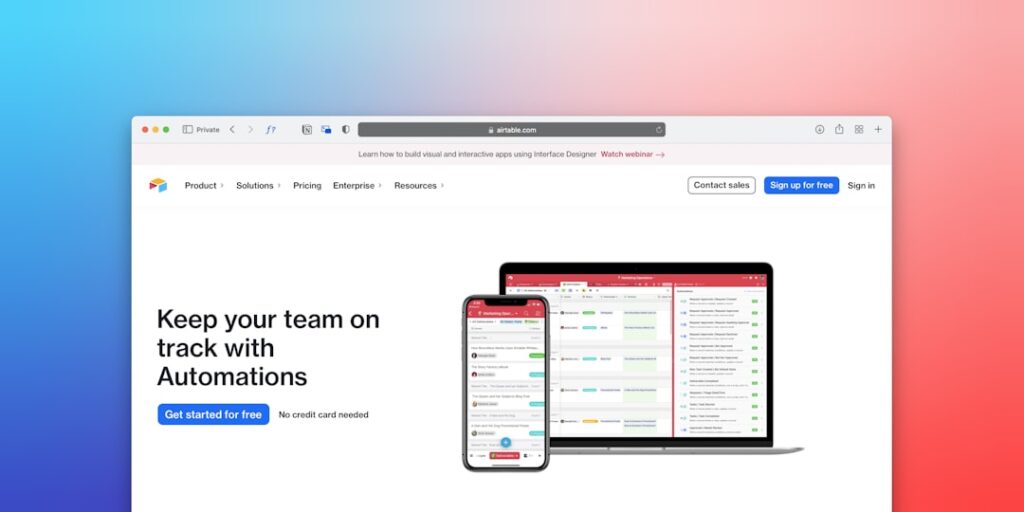
Exploring No-Code Automation Platforms: Empowering Users to Maximize Efficiency
No-Code Automation Platforms are revolutionizing how organizations streamline processes, enabling users with little to no programming experience to create automated workflows that enhance productivity and efficiency across various tasks.
Why it matters
No-Code Automation Platforms are important because they democratize technology by allowing non-developers to automate tasks that previously required extensive coding knowledge. This fosters innovation within organizations, enhances team collaboration, and significantly reduces operational costs. Additionally, as businesses increasingly seek efficiency, the demand for these platforms continues to rise, representing a substantial market shift towards user empowerment.
Core Concepts
Understanding the Key Elements
- User-Friendly Interfaces: These platforms typically feature drag-and-drop interfaces that make it easy to build and manage automated workflows.
- Integrations: Most no-code platforms offer integrations with popular applications, enabling seamless interaction across different tools.
- Workflow Design: Users can visually design workflows, mapping out the steps involved without needing to write code.
- Scalability: Many platforms allow users to start with simple automations and evolve to more complex processes as their needs change.
Detailed Step-by-Step Guide
- Identify Repetitive Tasks: Assess your daily operations to pinpoint tasks that are time-consuming and repetitive.
- Select a No-Code Automation Platform: Research and choose a platform that best fits your organizational needs based on features and integrations.
- Create an Account: Sign up for the platform and familiarize yourself with its interface and available tools.
- Design Your Workflow: Using the platform’s workflow builder, drag and drop elements to construct the outline of your automation.
- Integrate Applications: Connect the necessary applications to your workflow to facilitate data transfer and trigger actions.
- Test the Automation: Conduct thorough testing to ensure the automation works as intended before deploying it fully.
- Implement and Monitor: Launch your automated workflow and continually monitor its performance for any needed adjustments.
Common Mistakes
When using No-Code Automation Platforms, users often encounter several pitfalls:
- Overcomplicating Workflows: Trying to automate too many processes at once can lead to confusion and technical issues.
- Neglecting Testing: Failing to test automations adequately can result in incorrect implementations and disrupted workflows.
- Ignoring User Feedback: Not considering the input of team members who will use the automations might overlook critical usability aspects.
- Underestimating Maintenance: Automation is not a set-and-forget solution; regular maintenance and optimization are essential for continued performance.
Real-World Case Study
Consider a small marketing agency, “Creative Insights”, which struggled with managing incoming leads and scheduling follow-up calls. By utilizing a No-Code Automation Platform, they designed a workflow that automatically collected lead information from their website, added it to their CRM, and scheduled follow-up calls based on lead engagement levels. This automation not only saved the team countless hours of manual entries but also improved their response time, leading to a 30% increase in lead conversion rates over three months.
Comparison Table
| Platform | Key Features | Integrations | Pricing |
|---|---|---|---|
| Zapier | Multi-step workflows, custom triggers | 3,000+ apps | Starts at $19/month |
| Integromat | Visual builder, advanced operations | 1,000+ apps | Starts at $9/month |
| Automation Anywhere | AI-powered bots, analytics | Limited but growing | Custom pricing |
| Parabola | Data transformation, API connections | Various data sources | Free plan available |
FAQ
What are No-Code Automation Platforms?
No-Code Automation Platforms allow users to automate workflows without coding, using visual interfaces to design processes and integrate various applications.
Can non-technical users benefit from these platforms?
Absolutely! No-Code Automation Platforms are specifically designed for non-technical users, enabling them to streamline tasks without needing programming skills.
How do I choose the right platform?
Consider factors such as ease of use, available integrations, pricing, and scalability when selecting a No-Code Automation Platform to fit your needs.
Are No-Code Automation Platforms secure?
Most reputable platforms prioritize security and compliance; however, it’s important to review the security measures and privacy policies of any platform you choose.
What types of tasks can be automated?
Tasks such as data entry, lead management, email marketing, social media posting, and customer support can be effectively automated using these platforms.
Conclusion
No-Code Automation Platforms are powerful tools that promote efficiency and streamline workflows across various business functions. By allowing users to create automations without coding, these platforms enable organizations to leverage technology for growth and innovation. As more teams embrace these tools, the potential for increased productivity and operational efficiency is unmistakable, making it essential for businesses to adopt this transformative approach.
Future Trends in No-Code Automation Platforms
Increased Integration with AI
As artificial intelligence continues to advance, no-code automation platforms are expected to integrate more sophisticated AI features. This integration will allow users to harness the power of AI without needing extensive technical knowledge. Imagine automating complex processes such as predictive analytics or machine learning model deployment with simple drag-and-drop interfaces. This trend will democratize access to powerful tools, enabling a wider audience to leverage AI capabilities effectively.
Greater Customizability and Flexibility
Future no-code automation platforms will likely focus on providing users with more flexible customization options. Users will want to tailor solutions to fit their unique workflows more precisely. Enhanced templates and modular design features will empower users to build personalized automations that align closely with their strategic goals. This customization will be key in ensuring that businesses can respond swiftly to changing market demands.
Advanced Tips for Using No-Code Automation Platforms
Utilizing API Integrations for Enhanced Functionality
One of the most powerful features of no-code automation platforms is their ability to integrate with other applications through APIs. By understanding how to leverage these integrations, users can enhance the functionality of their automations significantly. For example, combining a project management tool with a communication platform can streamline updates and notifications, saving valuable time and improving team collaboration.
Monitoring and Optimizing Performance
To maximize investment in no-code automation platforms, it’s essential to continuously monitor and optimize your automated processes. Utilize built-in analytics tools to assess the performance of your workflows, identifying bottlenecks and areas for improvement. Regular optimization will ensure that your automations remain efficient and effective, adapting to your evolving business needs.

