
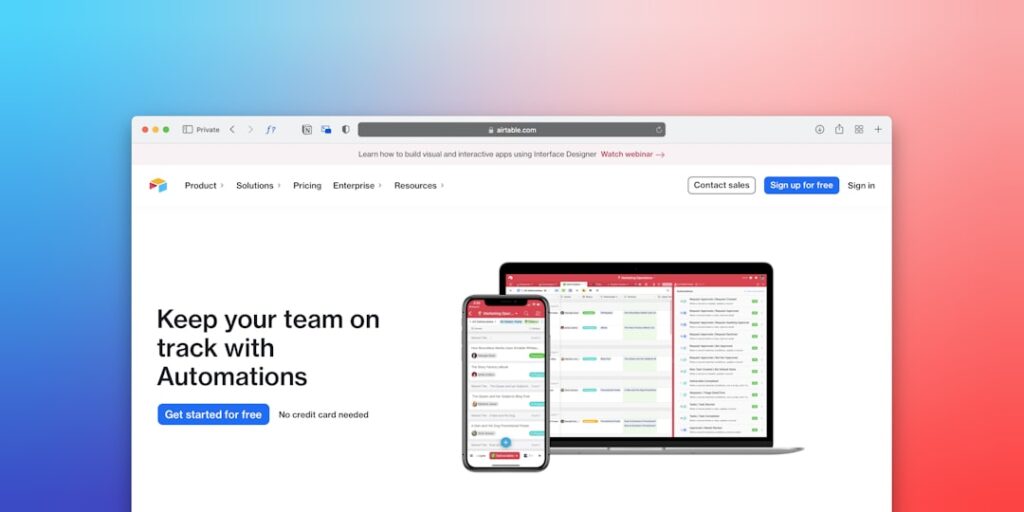
Top No-Code Automation Tools: Revolutionizing Productivity and Efficiency
In today’s fast-paced digital landscape, businesses are continually seeking ways to enhance efficiency and streamline workflows. The rise of AI tools, particularly top no-code automation tools, has made it easier than ever for individuals and organizations to automate repetitive tasks without needing extensive programming knowledge.
Why it matters
The importance of no-code automation tools lies in their ability to empower a wider audience with automation capabilities. From small businesses to large enterprises, these tools help in:
- Reducing manual errors
- Saving time and costs
- Increasing operational efficiency
- Allowing non-technical users to innovate
Core Concepts
Understanding No-Code Automation Tools
- No-Code Platforms: These enable users to create applications and workflows using visual interfaces without writing code.
- Automation: The process of using technology to perform tasks with minimal human intervention.
- Integrations: Many no-code tools come with pre-built integrations to connect with various apps and services.
- User-Friendly Interface: Most platforms focus on providing intuitive drag-and-drop interfaces.
Detailed Step-by-Step Guide
- Identify Repetitive Tasks: Analyze your daily operations to pinpoint tasks that consume time.
- Select an Appropriate No-Code Tool: Research and choose from tools like Zapier, Integromat, or Airtable based on your needs.
- Set Up Accounts: Sign up and create accounts on your selected platforms.
- Design Workflow: Utilize the tool’s visual interface to create automated workflows involving your preferred applications.
- Test Your Automation: Run a few tests to ensure the automation works seamlessly.
- Implement and Monitor: Launch your automation and regularly check for any issues or areas of improvement.
Common Mistakes
When utilizing top no-code automation tools, some common pitfalls include:
- Skipping the research on tool capabilities and limitations.
- Overcomplicating workflows, leading to confusion.
- Neglecting to test automations before full deployment.
- Failing to involve team members who will be using the tools.
Real-World Case Study
Consider the case of a local marketing firm that struggled with lead management. They faced challenges tracking and nurturing leads efficiently. By implementing a no-code automation tool, they automated lead entry from their website, instantly organizing information into a centralized database. They set up automated email follow-ups and reminders for sales calls. Results showed a 35% increase in lead engagement and a 50% reduction in manual entry errors, showcasing the potential of no-code automation tools in driving productivity.
Comparison Table
| Tool | Pricing | Key Features |
|---|---|---|
| Zapier | Starts at $19.99/month | Multi-step Zaps, Task History, Scheduled Automation |
| Integromat | Free tier available, Premium starts at $9/month | Visual Builder, Advanced Scripting, API Calls |
| Airtable | Free tier available, Plus starts at $10/month | Custom Field Types, Blocks, Automation Triggers |
FAQ
What are no-code automation tools?
No-code automation tools are software platforms that allow users to create automated workflows and applications without writing code.
Who can benefit from these tools?
Businesses of all sizes, freelancers, and individuals looking to automate repetitive tasks can benefit from no-code automation tools.
Are no-code tools user-friendly?
Yes, no-code tools typically feature intuitive drag-and-drop interfaces, making them accessible to non-technical users.
Can no-code automation tools integrate with existing software?
Most no-code automation tools come with numerous pre-built integrations for popular software applications to facilitate seamless connections.
What types of tasks can be automated?
Common tasks include data entry, email marketing, reporting, CRM updates, and social media posting.
Do I need any technical skills to use no-code automation tools?
No, these tools are designed for users with no technical skills, allowing anyone to set up automation easily.
Conclusion
The advancement of top no-code automation tools is a game changer in the modern workplace. By efficiently automating tasks, businesses can focus on strategic growth and innovation rather than getting bogged down in routine operations. Understanding and leveraging these tools can drive exceptional results and elevate productivity to new heights.
Future Trends in AI Tools
Integration with IoT Devices
As the Internet of Things (IoT) continues to grow, the integration of AI tools will become essential for managing and optimizing these connected devices. AI can analyze data from various sources, learn user preferences, and adapt devices accordingly. This will lead to smarter homes and offices where automation is seamlessly integrated with daily life.
Enhanced Personalization
AI tools are increasingly harnessing massive datasets to deliver personalization at an unprecedented level. This trend will see users benefiting from top no-code automation tools that tailor experiences specifically to their needs. Businesses will need to adopt AI solutions to stay competitive, enhancing customer satisfaction and fostering loyalty.
Advanced Tips for Using Top No-Code Automation Tools
Maximize Efficiency with Workflow Optimization
To get the most out of top no-code automation tools, focus on optimizing your workflows. Mapping out processes before implementing automation can reveal inefficiencies and areas for improvement. Aim to streamline tasks by eliminating redundant steps and consolidating actions where possible. This can significantly enhance productivity and save time.
Utilize Analytics for Data-Driven Decisions
Leverage the built-in analytics features of no-code automation tools to gain insights into performance metrics. Understanding user behavior and interaction patterns enables you to adjust strategies and make data-driven decisions. Regularly reviewing these analytics can help you refine your automation processes and improve overall outcomes.
Expert Opinions on AI Tools
Industry Leaders Weigh In
Experts in the field of AI and automation consistently emphasize the importance of adopting top no-code automation tools. They point out that these tools enable organizations to stay agile and responsive in a rapidly changing market. With reduced reliance on traditional coding, businesses can innovate more quickly and deliver solutions that meet user needs effectively.
Case Studies from Leading Companies
Numerous leading companies have successfully implemented top no-code automation tools to enhance their operations. For instance, some have utilized these tools to automate customer service processes, significantly decreasing response times and increasing customer satisfaction. Such real-world case studies provide compelling evidence of the effectiveness and versatility of AI tools.

